Komal Saim May 2, 2026


Komal Saim May 2, 2026
An online presence with a purpose is no longer optional․ Your website is your online business card․ It adds credibility‚ builds brand awareness‚ and opens doors for new customers to discover and engage with your business․ Without a strong online presence‚ you'll struggle to be found or trusted by potential customers․
The number of websites in use has grown rapidly to over 751 million according to new estimates․ This presents opportunities and grows the risk of cyber threats to businesses․ This is especially true when these sites are expected to receive some form of cyber attack‚ with some estimates claiming that nearly 50% of websites are attacked․
Most companies will focus on just a good-looking website and never take care to ensure that a website is maintained and kept safe․ A well-constructed website that is secured‚ fast‚ functional and often updated will reduce the chances of being affected by any cyber attack or other issue․ Regularly monitor‚ update and maintain your website to avoid issues․
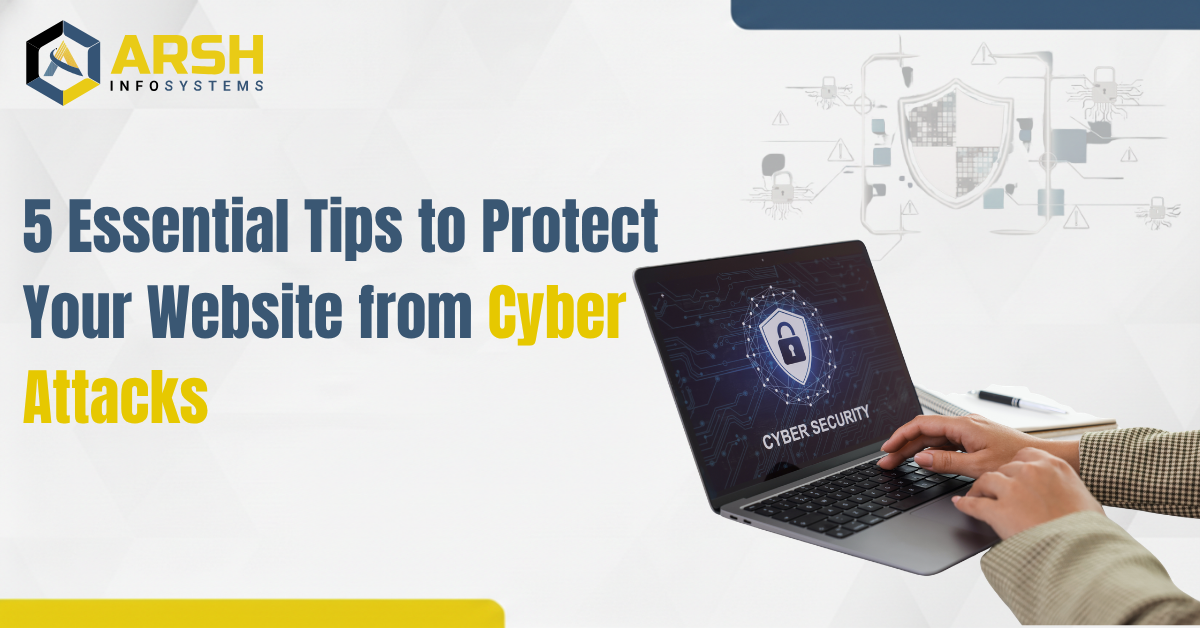
In this blog‚ we will walk you through five simple tips that will help you protect your website against such types of attacks․ If you are a business owner‚ a startup‚ or a person who maintains an existing website‚ these tips will come in handy․

All websites are built using multiple technologies‚ and one of the most common causes of a security breach is outdated software․ Update your CMS‚ plugins‚ themes and server software to keep your website secure․
Cyber attackers often exploit known software vulnerabilities․ Regularly updating software patches security vulnerabilities‚ thereby improving site security and reducing exploitation․
How to stay updated:
If maintaining updates is a concern‚ some web design company in Mumbai provide a service for keeping your website and security up to date․
If the file upload feature is not properly secured‚ attackers can upload and execute arbitrary files leading to data breaches‚ system compromise‚ website defacement‚ and other malicious activities․
Best practices:
Taking these precautions can considerably reduce the likelihood of exploitation․
A secure website is a trustworthy website․ HTTPS and Secure Socket Layer (SSL) certificates protect users' information from being read while it is transmitted between your website and an user․
Implementation tips:
This additionally improves security and user trust as well as SEO performance․
Weak passwords can be broken with brute force attacks‚ so secure password practices are the first step to defend from unauthorized access․
Best practices:
Strong authentication can further improve your website's security․
Website safety is a cyclical process․ Detection and monitoring of threats can prevent major problems․
Tools & techniques:
Code security practices:
Final Thoughts
Website security is now no longer optional and is part of the fundamentals of building and maintaining a successful online business․ Even a well-designed website will be hacked if it has a single point of vulnerability․ With the changing threat landscape‚ security must be proactive‚ persistent‚ and be aware of current developments and innovations․
By following the five basic steps outlined above - Keeping your software and code up to date‚ securely handling file uploads‚ using HTTPS and SSL‚ implementing strong password practices‚ and monitoring your website - you can create a solid foundation of trust and security for your business and your users that you can build on constantly․
Copyright © 2026 All Rights Reserved By Arsh Infosystems.
Reviews On 
Years experience
Satisfied clients